
Get an at-a-glance view of your revenue, inventory and ad performance
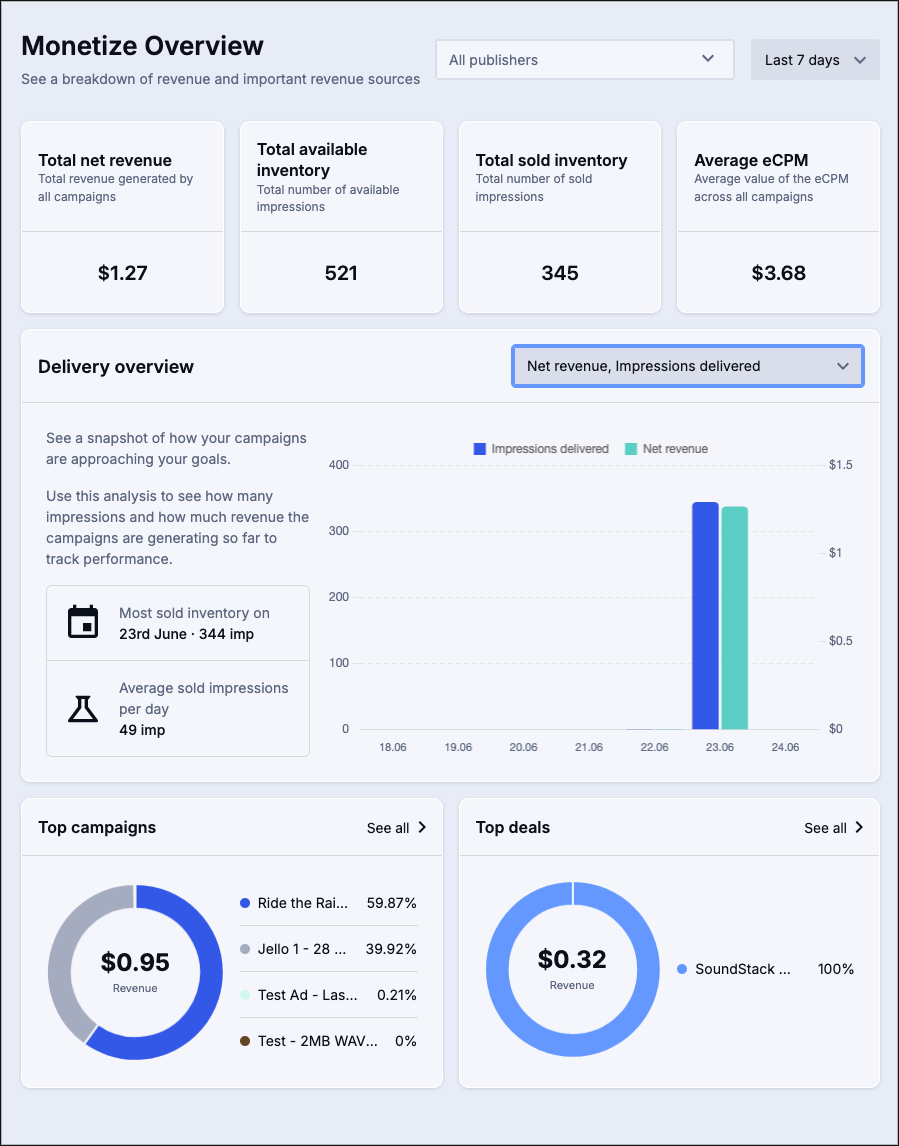
The Monetize Overview page is the first place you land when you access the Monetize application. Here, you can get a view of the key metrics that support your advertising efforts.
Adjusting the data view
There are several ways you can adjust or filter the data you can view on this page.
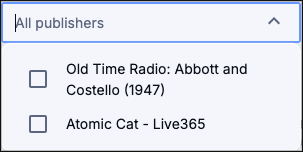
- Filter to specific publishers: Click the All Publishers line to open up a checkbox menu to select as many publishers as you wish to view. You can filter this list by typing a search string in to the box, but you must click the checkbox to add the result to your filter.
- Date adjustment: Set the timeframe for the data
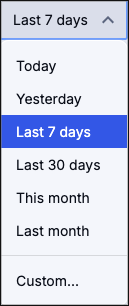
- Today: Data generated from midnight on today’s calendar day through the current time
- Yesterday: The calendar day (midnight-midnight) immediately prior to the day you are viewing the dashboard.
- Last 7 days: The seven days immediately prior to the day you are viewing the dashboard.
- Last 30 days: The 30 days immediately prior to the day you are viewing the dashboard.
- This Month: The current month (the 1st through the day you are viewing the dashboard).
- Last Month: The last full month (the 1st through final day of the month) immediately prior to the month the report runs.
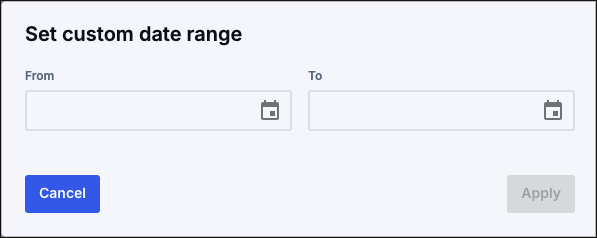
- Custom: Set a date range of any two dates you wish. You can manually enter the dates in the text field or use the date picker to select from the calendar
Click Apply to save the date range or click Cancel to return to the prior screen without setting a date range.
If you have any further questions or concerns please do not hesitate to contact our Support Team through the ticket submission form or by emailing us at support@soundstack.com.